Getting a ticket in New York City can be a hassle, but paying it doesn’t have to be. The city’s finance department offers several ways to handle your fines, with nyc.gov/finance pay ticket being the central hub for most transactions. Whether you prefer using your phone or need to sort out business taxes, understanding the process makes it much smoother. Let’s break down how to get it done.
Key Takeaways
- You can pay parking and camera violations using the NYC Parking Ticket Pay or Dispute App on your smartphone, available for both Android and iOS.
- Accepted payment methods include credit/debit cards, electronic checks, PayPal, and Venmo, with a 2% service fee for most card and digital payments, but no fee for electronic checks.
- After payment, you can get proof through a screenshot of the confirmation page or an email from @finance.nyc.gov, which includes your receipt number and transaction details.
- Payments made through the app are processed daily at midnight, and while the payment date is the transaction date, it can take 2-4 business days for the system to update.
- The nyc.gov/finance website also provides specific mailing addresses for various business tax forms and payments, including audit and enforcement related ones.
Navigating the nyc.gov/finance Payment Portal
Understanding the Online Payment System
The NYC Department of Finance offers a straightforward online system for managing and paying your tickets and violations. This portal is designed to be user-friendly, allowing you to handle your financial obligations efficiently. The system allows you to search for specific violations using your ticket number, Notice of Liability (NOL) number, or license plate number. This makes it easy to find exactly what you owe without needing to sift through multiple documents. You can also save your vehicle information for quicker access in the future, which is a nice touch if you have multiple vehicles or receive tickets frequently.
Accessing Your Violation Information
To begin, you’ll need to access your violation information. The website provides a search function where you can input details like your ticket number or license plate. Once you locate your violation, the system will display the outstanding amount due, including any penalties or fees that may have accrued. It’s important to review this information carefully to ensure accuracy before proceeding with payment. You can also view your payment history, which can be helpful for keeping track of past transactions.
Completing Your Transaction Securely
When it’s time to pay, the portal offers several secure payment methods. You can use credit cards, debit cards, or electronic checks. For credit and debit card payments, you’ll need to provide your card number, expiration date, and the CVV code. It’s also important that the billing address you provide matches the one associated with your card. The system will guide you through each step, asking for necessary details to process your payment. After submission, you’ll receive a confirmation, which you should save for your records. This confirmation acts as proof of payment and can be a screenshot or an email, depending on your preference. Remember, once a payment is submitted, it cannot be changed or canceled, so double-check all details before finalizing.
Methods for Paying Your NYC Ticket
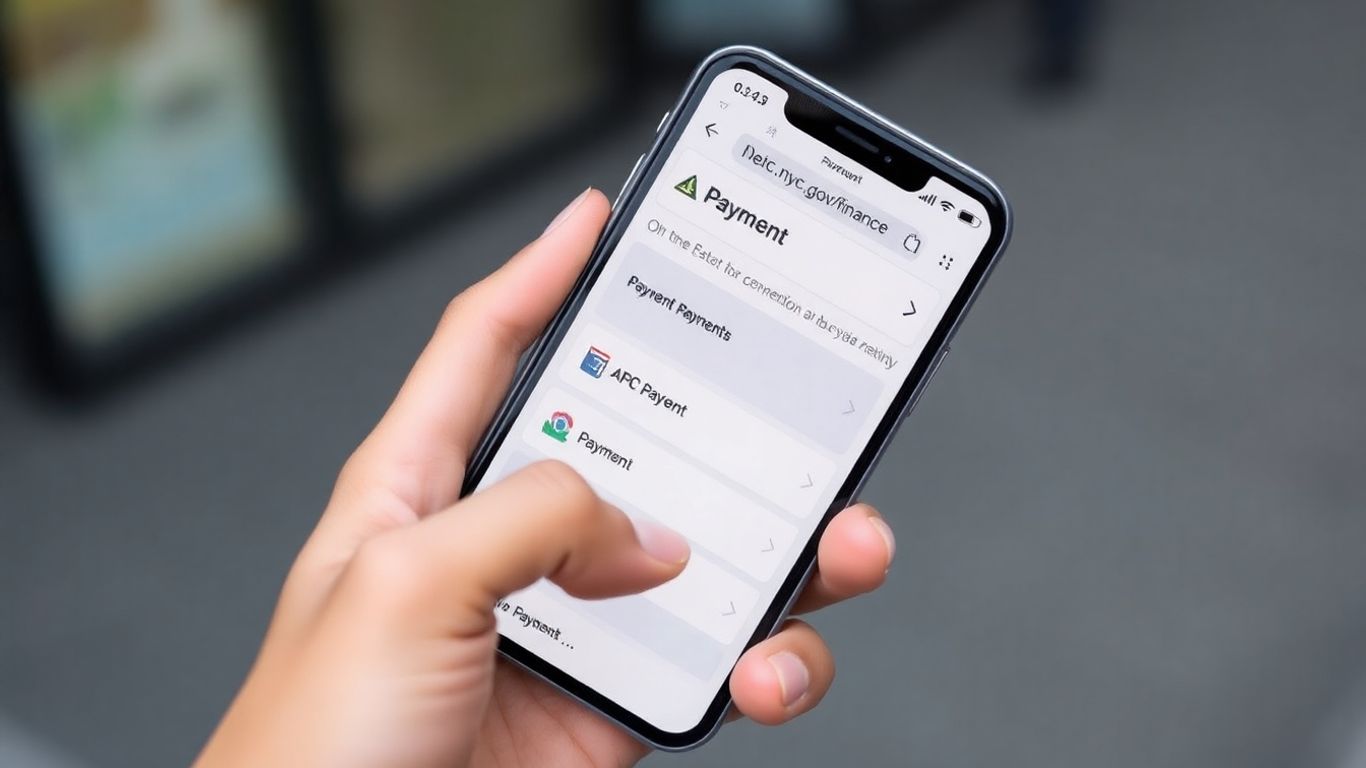
There are several ways to settle your NYC ticket, making it convenient to handle your obligations. Whether you prefer using your smartphone or other methods, the Department of Finance offers options to suit your needs.
Utilizing the Mobile App for Convenience
The NYC Parking Ticket Pay or Dispute App is a great tool for paying parking and camera violations right from your phone. It’s available for both Android and iOS devices. You can save your vehicle information for quicker checkouts and access past tickets and payment history. The app even lets you pay tickets not yet fully processed by the Department of Finance. Just remember, if your vehicle has been booted or towed, you’ll need to use different procedures to clear your tickets.
To use the app, your device needs a stable data connection. It’s designed to be user-friendly:
- Open the app and search for your ticket using the ticket number, Notice of Liability number, or your license plate.
- Review the total amount due, which includes any penalties.
- Choose your payment method and enter the required details. Make sure your billing address matches the one associated with your payment card.
- You’ll get a code sent to your phone to confirm the transaction.
- Carefully review all entered information before submitting.
Once submitted, payments cannot be canceled, changed, or delayed.
Accepted Payment Options
The Department of Finance accepts a variety of payment methods to make settling your tickets as easy as possible. You can use:
- Credit cards (Visa, MasterCard, American Express, Discover)
- Debit cards (Visa or MasterCard logo)
- Pre-paid or gift cards (Visa or MasterCard logo)
- Electronic checks
- PayPal
- Venmo
Understanding Service Fees
When you use certain payment methods, a small service fee is applied. This fee is non-refundable. Specifically, a 2% service fee is added for payments made with credit cards, debit cards, pre-paid or gift cards, PayPal, and Venmo. This fee also applies if you use services like Apple Pay or Google Wallet with a credit card. Payments made via electronic check do not incur any service fees.
It’s important to be aware of these fees when making your payment to avoid any surprises. Always double-check the final amount before confirming your transaction.
For business tax payments, different mailing addresses are used depending on the specific tax form. For instance, Audit and Enforcement Payments should be sent to P.O. Box 3929, New York, NY 10008-3929, while Business Tax Notices payments go to P.O. Box 3644, New York, NY 10008-3644. It’s always best to confirm the correct address for your specific tax type on the nyc.gov/finance website to ensure timely processing.
Processing and Confirmation of Payments
How Payments Are Processed
Once you submit your payment through the nyc.gov/finance portal or the mobile app, the system processes it. For payments made via credit card, debit card, PayPal, or Venmo, a small service fee is applied. Payments made by electronic check do not incur this fee. It’s important to know that once a payment is submitted, it cannot be canceled, changed, or delayed. The date of your transaction is considered the payment date, though it might take a few business days for this to be fully reflected in the system’s records.
Obtaining Proof of Payment
After successfully completing your transaction, you’ll want to keep a record of your payment. If you paid online, you should see a confirmation page. It’s a good idea to take a screenshot of this page or print it out. If you provided a valid email address during the process, you should also receive a confirmation email within about an hour. This email typically includes your receipt number, the date and time of the transaction, the total amount paid, and details about the ticket(s) or violation(s). Keep this email in a safe place, and if you don’t see it, be sure to check your spam or junk mail folder.
Verifying Payment Status
Wondering if your payment has been fully processed and updated in the system? You can check this by searching for your ticket or violation number on the nyc.gov/finance website. If your payment was made earlier the same day, you might see a status like "Payment in Process." It generally takes about 2 to 4 business days for the system to update completely after your payment date. You can also confirm receipt by looking up your ticket number in the "Payment History" section of the website.
Important Considerations for Payment
Once you’ve decided to pay your NYC ticket online, there are a few things to keep in mind to make sure everything goes smoothly. It’s really important to get this right the first time because, well, you can’t really undo it once it’s done.
Limitations on Payment Modifications
When you submit a payment through the nyc.gov/finance portal or the mobile app, that’s it. There’s no going back to change the amount or cancel it. So, before you hit that final submit button, double-check everything. Make sure the ticket number is correct, the amount you’re paying is what you intend to pay, and all your payment details are accurate. It’s a good idea to have your ticket handy and review it carefully.
Always review all entered information before finalizing your transaction. Once a payment is submitted, it cannot be altered, canceled, or delayed. This finality means accuracy is key at the point of submission.
Handling Booted or Towed Vehicles
If your vehicle has been booted or towed, the standard online payment process might not be the right path for you. The NYC Parking Ticket Pay or Dispute App, for instance, specifically states you cannot use it if your vehicle is currently booted. For these situations, you’ll need to follow different procedures. Information on how to handle payments for booted vehicles can be found on the Booted Vehicle page, and for towed vehicles, you’ll want to check the Towed Vehicle Reclaim from Marshal or Sheriff page. These processes often involve more steps and specific requirements.
System Requirements for Mobile Payments
If you’re planning to use the NYC Parking Ticket Pay or Dispute App, your device needs to be ready. You’ll need a stable internet connection, either through Wi-Fi or a cellular data plan. For iPhones, iPads, or iPod touches, your device should be running iOS 9 or a newer version. Android users will need a device with KitKat or a later version of the Android operating system. These requirements help ensure the app functions correctly and your payment is processed without a hitch.
Specific Payment Scenarios
Paying Parking and Camera Violations
When you get a parking ticket or a camera violation, paying it is pretty straightforward through the nyc.gov/finance portal. You can use the dedicated NYC Parking Ticket Pay or Dispute App, which is available for both Android and iOS devices. This app lets you save your vehicle information for quicker lookups and payments. It also keeps a history of your tickets, up to 100 violations, so you can check them anytime. You can even pay a ticket before it officially shows up in the Department of Finance system.
The app is a convenient way to manage your tickets on the go.
Here’s a quick rundown of how to use the app:
- Open the app on your mobile device. Make sure you have a data connection.
- Search for your violations using your ticket number, Notice of Liability number, or license plate number.
- Choose to pay the full amount or a partial payment.
- Select your payment method and enter the required details. Double-check everything before submitting.
Remember, if your vehicle has been booted or towed, you can’t use the app to pay. You’ll need to follow different procedures for those situations. For example, if your car was booted, you’ll need to visit the Booted Vehicle page to find out how to settle up. Similarly, for towed vehicles, there’s a specific process outlined on the Towed Vehicle Reclaim page.
Addressing Audit and Enforcement Payments
Payments related to audits and enforcement actions have their own specific mailing addresses. These are different from the addresses used for general tax returns or estimated tax payments. It’s important to send these payments to the correct location to avoid delays. For instance, audit and enforcement payments should be sent with a payment coupon and remittance to P.O. Box 3929, New York, NY 10008-3929. Always check the specific instructions for your particular audit or enforcement notice to confirm the correct mailing address and any required forms. This ensures your payment is processed efficiently. You can find more details on specific tax forms and their corresponding mailing addresses on the Business Tax Forms page.
Business Tax Payment Procedures
Handling business taxes involves different forms and mailing addresses depending on the type of tax. For example, if you’re paying the General Corporation Declaration of Estimated Tax, you’ll use form NYC-400 and send it to P.O. Box 3922, New York, NY 10008-3922. Other business taxes, like the General Corporation Tax, might require forms such as NYC-4S or NYC-3A, with payments directed to P.O. Box 3933, New York, NY 10008-3933. It’s really important to use the correct form and mailing address for each specific business tax to make sure everything is filed and paid correctly. Sending payments to the wrong address can cause significant delays and potential penalties. Always refer to the official tax forms and instructions provided by the Department of Finance for the most accurate and up-to-date information. This is similar to how companies need to maintain robust internal controls to prevent violations, as seen in cases where settlements are reached for bribery schemes [026e].
Paying business taxes requires careful attention to detail. Using the correct forms and mailing addresses is key to avoiding issues with your tax filings and payments.
Paying Your Ticket Made Simple
So, you’ve got a ticket and need to take care of it. The good news is that nyc.gov/finance offers a straightforward way to handle this, whether you prefer using your computer or your phone. Remember to keep your payment confirmation handy, just in case. Taking care of your ticket promptly means one less thing to worry about. It’s really about getting it done efficiently so you can move on.
Frequently Asked Questions
What payment methods can I use on the NYC Finance website or app?
You can pay your tickets using credit cards (Visa, MasterCard, American Express, Discover), debit cards with Visa or MasterCard logos, prepaid cards, electronic checks, PayPal, or Venmo. Just remember that most card and online payment methods have a small service fee.
Is there a fee for paying my ticket online?
Yes, there’s usually a small service fee, about 2%, for payments made with credit cards, debit cards, prepaid cards, PayPal, or Venmo. Paying with an electronic check usually doesn’t have this extra fee.
How can I get proof that I paid my ticket?
After you pay, you’ll see a confirmation page. It’s a good idea to take a screenshot of this page or save the confirmation email you’ll receive. This email will have all the important details like your receipt number and the amount paid.
How long does it take for my payment to show up?
Your payment date is the day you make the payment. However, it might take 2 to 4 business days for the system to update and show that your ticket has been paid. You can check the ‘Payment History’ section to see if it’s been processed.
Can I pay a ticket if my car has been booted or towed?
No, you can’t use the mobile app to pay if your vehicle has been booted or towed. You’ll need to follow different steps for those situations, which you can find on specific pages for booted or towed vehicles on the NYC Finance website.
What information do I need to pay my ticket online?
You’ll typically need your ticket number, or the Notice of Liability number, or your license plate number to find your violation. You’ll also need your payment information, like credit card details or bank account information for an electronic check.

Peyman Khosravani is a global blockchain and digital transformation expert with a passion for marketing, futuristic ideas, analytics insights, startup businesses, and effective communications. He has extensive experience in blockchain and DeFi projects and is committed to using technology to bring justice and fairness to society and promote freedom. Peyman has worked with international organizations to improve digital transformation strategies and data-gathering strategies that help identify customer touchpoints and sources of data that tell the story of what is happening. With his expertise in blockchain, digital transformation, marketing, analytics insights, startup businesses, and effective communications, Peyman is dedicated to helping businesses succeed in the digital age. He believes that technology can be used as a tool for positive change in the world.