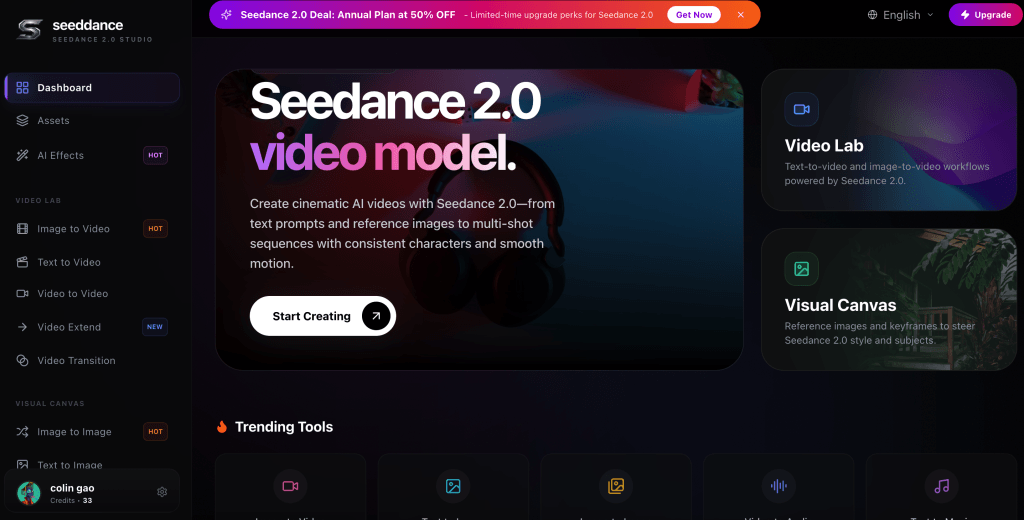
Most “top tools” articles fail because they treat image-to-video as a single category. In real workflows, there are different jobs: quick concept testing, directed production, and continuity-grade sequence delivery. You will choose better tools if you start from constraints and then match the tool type to the job. Many teams draft early options in the AI Video Generator and then move continuity-critical sequences to Seedance 2.0 when they need smoother motion and dependable multi-shot stability.
The three jobs every image-to-video stack must cover
Think in roles, not brands:
1. Exploration: generate many angles quickly
2. Direction: lock look, camera language, and message
3. Delivery: keep identity consistent across a sequence and export for platforms
If a tool is strong at exploration but weak at delivery, that is not a flaw. It is a mismatch if you try to use it for the wrong job.
Top 10 image-to-video tool categories worth evaluating
Below are the ten tool types that appear repeatedly in effective teams. Use them as a checklist when you build your stack.
1. One-click animators
What they do: turn a still into motion with minimal input.
When they work: fast social posts, mood tests, internal pitching.
Risk: identity drift and “generic motion” that feels template-like.
2. Camera-move generators
What they do: create push-in, pull-out, parallax, and pan effects.
When they work: product pages, hero banners, presentation loops.
Risk: repeated camera moves can feel repetitive if overused.
3. Style-transfer motion tools
What they do: apply a clear art direction while adding motion.
When they work: branded illustration styles, concept art videos.
Risk: the style may remain stable while geometry changes unpredictably.
4. Product-photo to demo generators
What they do: animate packaging, materials, and simple interactions.
When they work: e-commerce ads, product explainers, PDP enhancements.
Risk: reflective surfaces and precise logos can distort without constraints.
5. Character-driven animators
What they do: prioritize faces, posture, and expressive motion.
When they work: spokesperson-style ads, short narrative beats.
Risk: multi-shot continuity still breaks if references are weak.
6. Control-heavy tools (keyframe-like direction)
What they do: trade speed for control: framing, motion intent, structure.
When they work: teams that need repeatable results, not lucky results.
Risk: higher learning curve; requires prompt discipline.
7. Reference-first pipelines
What they do: treat references as “continuity anchors” across shots.
When they work: brand characters, consistent products, series content.
Risk: you must build and manage reference packs intentionally.
8. Multi-shot editors with modular regeneration
What they do: let you regenerate one failing shot without rerendering all.
When they work: ad variants, story sequences, iterative revisions.
Risk: weak project organization still creates chaos across versions.
9. Template-based ad builders
What they do: combine motion presets, captions, and layouts quickly.
When they work: performance marketing at scale, fast A/B testing.
Risk: output can look interchangeable if templates are overused.
10. Studio workflows with review and governance
What they do: add operational controls: versions, approvals, history.
When they work: teams with multiple stakeholders and compliance needs.
Risk: process overhead if your team is tiny and goals are informal.
A practical scoring rubric you can reuse
Score each candidate tool from 1 to 5 across these dimensions:
- – Reference support: can you lock identity and product fidelity?
- – Motion behavior: smoothness, no jitter, minimal warping
- – Shot-level control: can you specify framing and intent reliably?
- – Regeneration granularity: can you fix one block without full reruns?
- – Workflow: naming, versions, approvals, history, collaboration
- – Export readiness: platform formats, safe zones, caption constraints
Then decide based on your dominant risk. For performance teams, speed and iteration loops matter most. For brand teams, identity and continuity usually dominate.
Example stacks for common use cases
If you are unsure how to combine categories, start with one of these patterns:
- Performance ads at scale
Use fast prototyping to generate 10 hook options, then move only the top 2 to a multi-shot editor for modular fixes and exports. Save winning sequences as templates.
- E-commerce product pages
Use camera-move generators for subtle motion loops, then add a product-photo demo generator when you need interaction shots (open, pour, assemble). Keep motion calm so details stay readable.
- Storytelling or brand characters
Start with a reference-first pipeline and treat identity references as non-negotiable. Use multi-shot tools with shot-level regeneration so you can fix one drifted shot without restarting the entire sequence.
A stack that works for most teams
If you are building from scratch, a simple pattern is:
- Prototype wide: generate many directions quickly
- Approve one direction: freeze the “continuity bible” (identity, palette, camera)
- Produce the final sequence: use references and modular regeneration
- Export for channel: mobile safe zones, duration constraints, CTA timing
This stack avoids the common failure mode of “we generated 40 clips and none are shippable.”
A short FAQ that prevents bad purchases
- Should you standardize on one tool?
Only if your workflow is very narrow. Most teams benefit from separating exploration from delivery.
- Is higher resolution the deciding factor?
Not usually. Consistency and revision workflow typically decide shipping speed and final performance.
- What should you demand in a trial?
A multi-shot test, shot-level regeneration, and exports reviewed on mobile. If a tool cannot pass those, it will not feel “best” after launch pressure.
Final takeaway
Do not ask “what is the best tool?” Ask “what job is failing in my workflow?” Then pick the tool category that fixes that failure. Lists are useful only when they come with decision logic and a repeatable rubric. Build your stack around constraints, and your results will improve even when tools change.
Quick implementation checklist
- – Run the same three-shot test on every tool you evaluate.
- – Save a reference pack and reuse it across variants.
- – Treat “shot-level regeneration” as a must-have for teams.
- – Review exports on mobile before you declare a tool “best.”