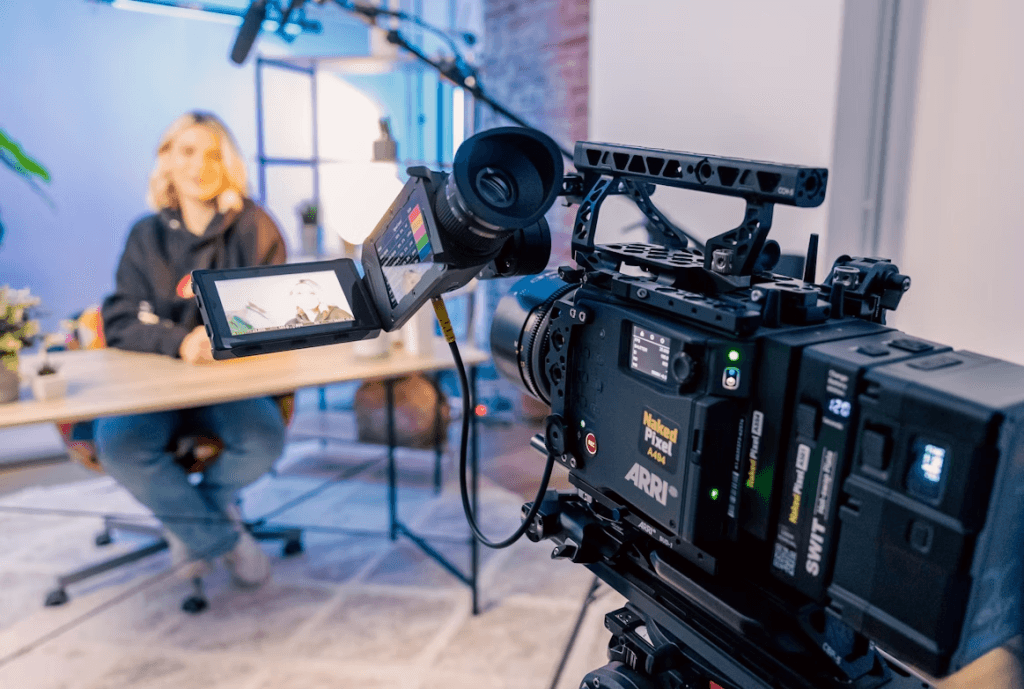
A SaaS explainer video quickly communicates your product’s value and next steps. Because SaaS often involves complex features, a concise video clarifies what your product does and why it matters. Here, you’ll learn how to develop a SaaS explainer video from concept to completion, with practical steps to keep your message straightforward and impactful.
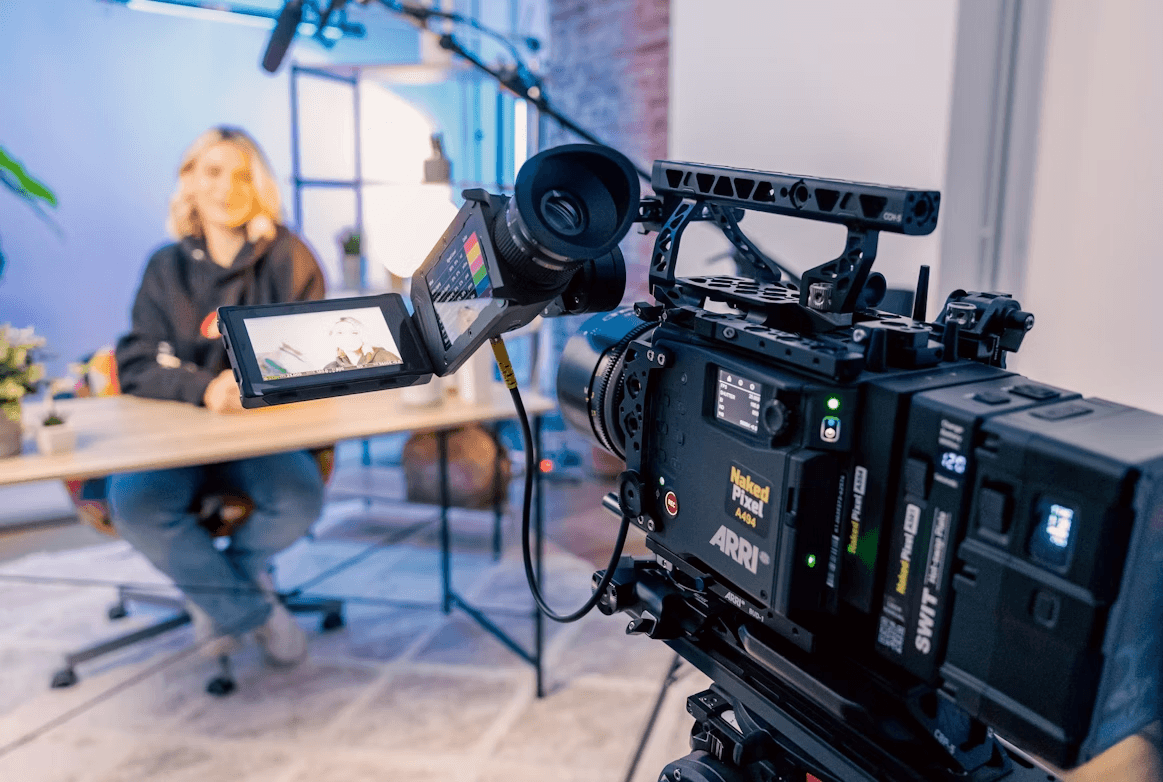
10 Practical Steps in Creating SaaS Explainer Videos
Creating a SaaS explainer video involves several stages: defining the goal, selecting a format, scripting, storyboarding, production, editing, and distribution. For inspiration, consider SaaS explainer content from Vidico, which demonstrates how clear storytelling, concise scripting, and polished visuals can transform complex software into an accessible and engaging narrative. Below, each step is described in turn.
Define the Goal and Audience
Before you start, clarify why you are creating this video and for whom it is intended. What is the primary objective: awareness, lead capture, onboarding, or conversion? Who is the target audience: early adopters, freemium users, or enterprise decision-makers? What action should viewers take after watching? Setting the goal and audience early lets you tailor your script, visuals, and call to action (CTA) effectively.
Choose the Video Style
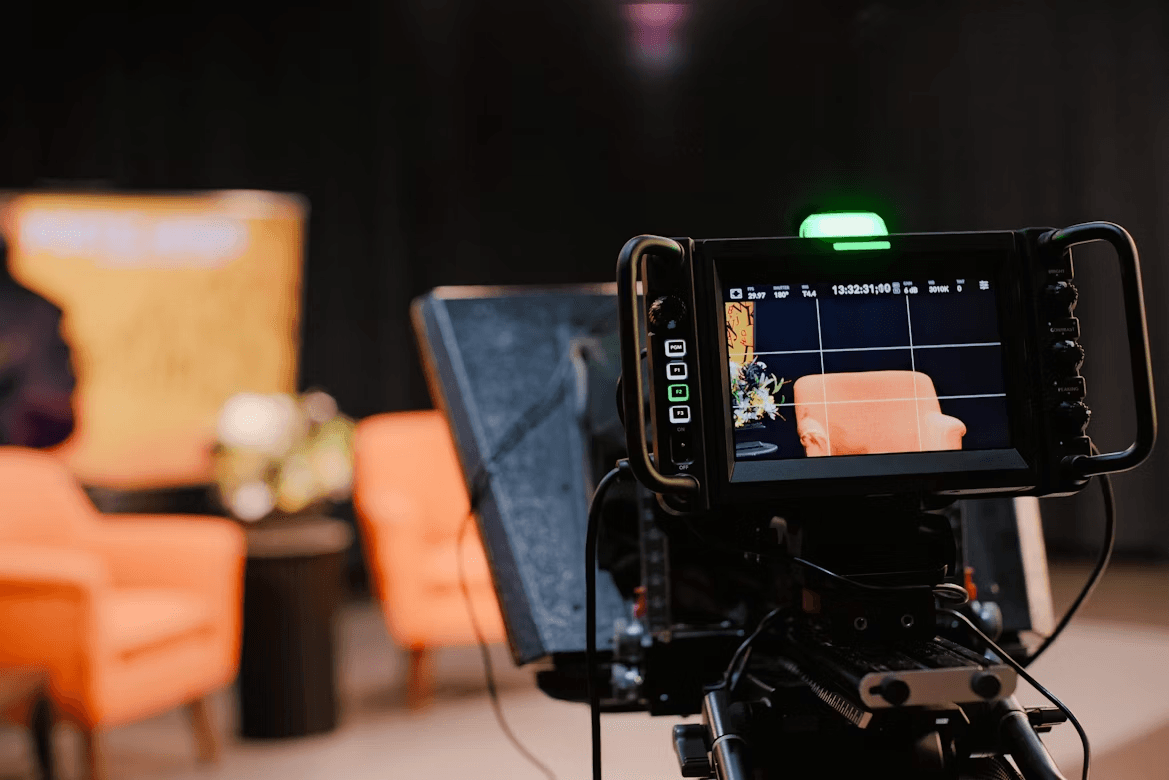
SaaS explainer videos come in many styles. Common options include:
- Animated (2D, motion graphics, character-based)
- Whiteboard or sketch animation
- Screen recording/screencast with voiceover
- Live action or talking-head + product overlay
- Kinetic typography (animated text)
Each style has pros and cons. Animation offers flexibility and helps you illustrate abstract concepts. Screencasts show the product in action directly. Live action adds a human touch. Select a style that aligns with your budget, remains true to your brand, and effectively conveys the complexity of the message.
Write a Clear and Concise Script
Once you know your goal and style, write a script that follows a logical flow. A good structure is:
- Problem/pain point
- Solution (your SaaS)
- How it works (in broad strokes)
- Benefits/differentiators
- Call to action
Keep the language simple, avoid jargon, and maintain a length of between 60 and 120 seconds. In a SaaS video, focus on the core value rather than including every feature. Add cues in the script for visuals, transitions, or emphasis.
Create a Storyboard or Visual Plan
With your script ready, map out a visual plan or storyboard. For each segment, outline the visuals, animations, or screen captures. This keeps the script and production team aligned and prevents surprises. Note transitions, annotations, on-screen text, and voiceover sync in the storyboard.
Prepare Assets and Design Elements
Gather or create all assets your video will need:
- UI mockups, product screens, icons, logos
- Illustrations or character graphics
- Brand color palette and typography
- Paths or motion assets (arrows, flow lines)
- Voiceover recording (narrator or internal voice)
- Background music, sound effects (optional)
Maintain brand consistency across all visual components of the video.
Record Voiceover / Narration
A clear, well-paced voiceover anchors your video, providing a smooth and engaging experience. Use a good microphone in a quiet room. Read the script several times to practice pacing and tone. Pause naturally between phrases so visuals can breathe. Record several takes and select the best one.
Produce the Video (Animation / Recording)
Now combine visuals and voiceover. Depending on your style:
- For animation/motion graphics: animate screens, icon transitions, character movements, and bring your storyboard to life.
- For screencast: record the UI in use, navigate through key flows, and overlay narration.
- For hybrid (live + screens): record your talking-head portion, then overlay product screens or animations.
Keep transitions smooth and ensure on-screen text is readable. Match visuals and narration.
Edit, Refine, and Add CTA
In the editing phase:
- Trim unnecessary pauses or redundancies.
- Add annotations, callouts, or highlight effects.
- Use visual emphasis (such as zoom, fade, or motion) on key points.
- Insert your CTA at the end (e.g., “Try free trial,” “Book a demo”)
- Include any disclaimers, logos, or end cards.
- Ensure audio levels are balanced (voice vs. background music)
Watch the video several times and ask for feedback. Ensure the pacing is neither too fast nor too slow.
Test with Audience and Iterate
Before the full release, test your video with an internal or small external group (team or beta users). Collect feedback on clarity, pacing, visuals, and the CTA. Use this input to refine the script, visuals, or timing as needed.
Deploy and Promote Your Video
After finalizing the video, embed it on your homepage and feature pages. Use platforms like YouTube or Vimeo. Optimize titles, descriptions, and tags for SEO. Share the video through email, social media, sales decks, or onboarding. Track views, watch time, drop-off, and CTA clicks. This data will improve future videos.
Final Takeaway
A well-made SaaS explainer video can significantly impact how users perceive your product. Define your goal, pick a style, write a focused script, and match visuals with narration. You will communicate value, engage viewers, and prompt them to take action. Test, refine, and share the video widely. Over time, it becomes a reusable asset that supports your marketing and onboarding efforts.