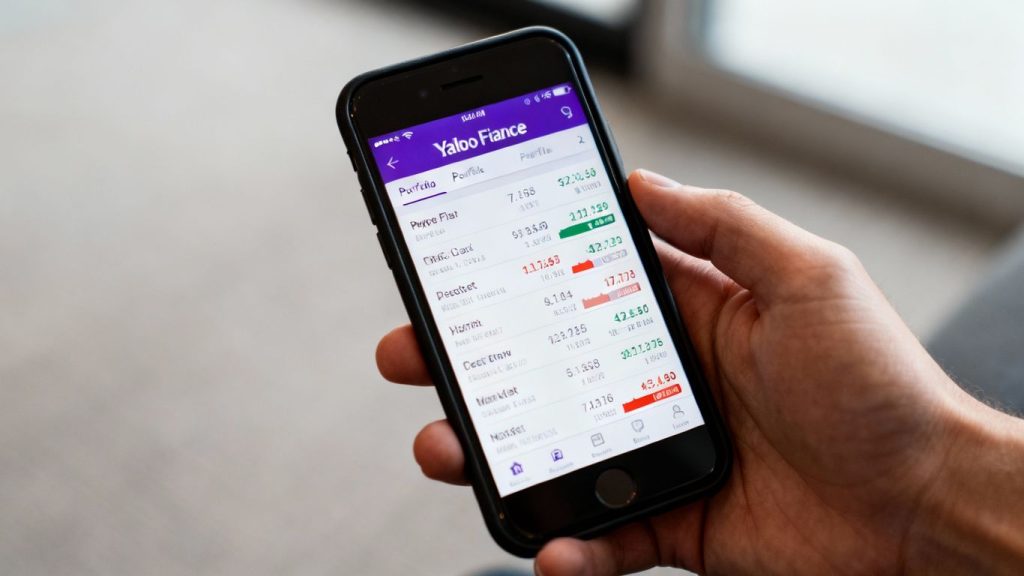
Thinking about getting your investments in order? Yahoo Finance has a tool that can help. It’s a popular spot for checking stock prices and getting market news. But did you know it also has a portfolio tracker? This guide will walk you through how to use the yahoo finance portfolio feature, from setting it up to getting the most out of its tools. We’ll cover the basics and some of the more advanced stuff, too. Let’s get your investments organized.
Key Takeaways
- The yahoo finance portfolio tool lets you track your investments for free, showing real-time prices and news.
- You can set up multiple watchlists and portfolios to keep an eye on different parts of the market or your personal holdings.
- Yahoo Finance offers tools like charts and company data to help you analyze your investments.
- While handy for beginners, the platform doesn’t connect directly to brokerages and might lack deep analytical features for advanced users.
- It’s a good starting point for managing your investments, especially if you’re looking for a free and accessible option.
Understanding the Yahoo Finance Portfolio
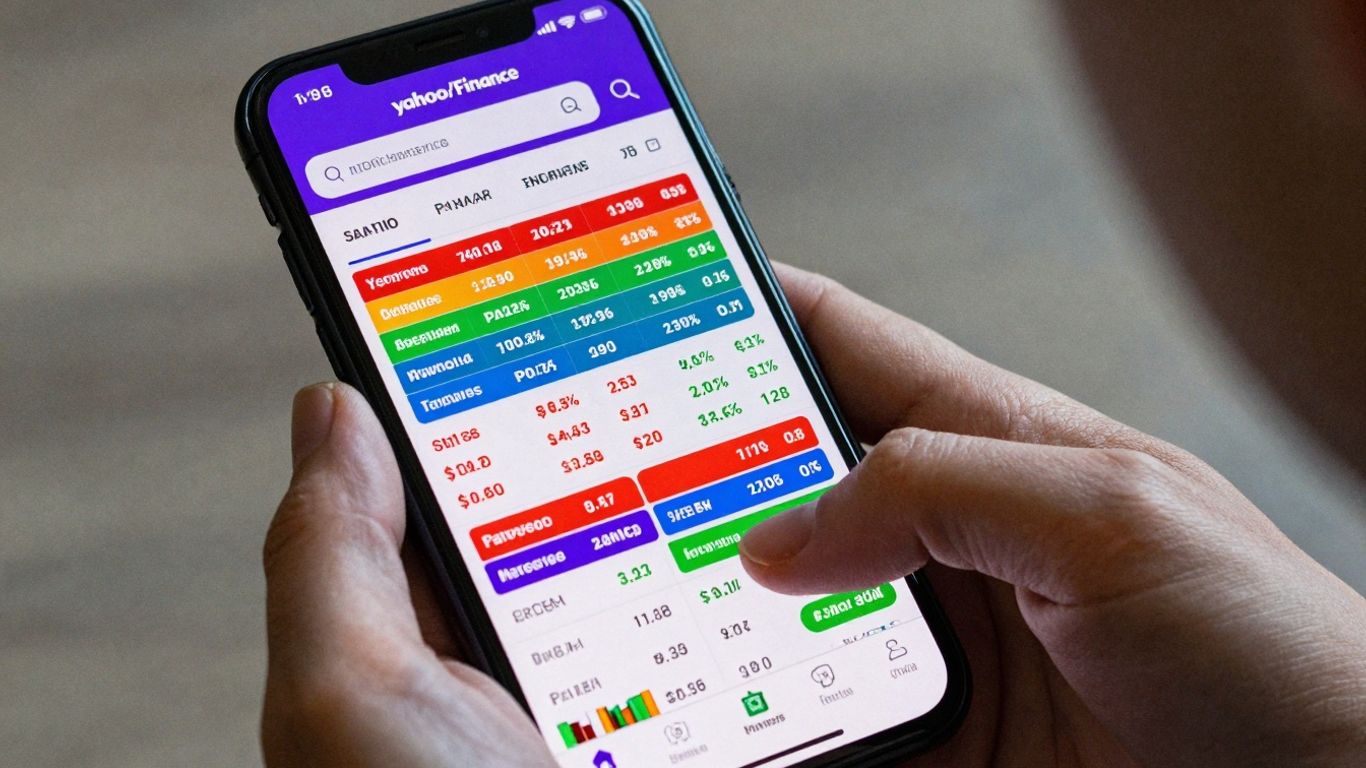
Yahoo Finance offers a robust platform for tracking your investments, and its portfolio feature is a big part of that. It’s designed to give you a clear picture of how your money is doing, all in one place. Think of it as your personal financial dashboard.
Core Features for Investors
At its heart, the Yahoo Finance portfolio tool lets you keep tabs on stocks, exchange-traded funds (ETFs), mutual funds, and even cryptocurrencies. You can add your holdings manually, and the platform will update prices in near real-time. This means you’re not looking at old numbers; you’re seeing what’s happening right now in the market. It also allows for customizable watchlists, so you can keep an eye on specific stocks you’re interested in, even if you don’t own them yet.
- Real-time price updates: See current market values for your holdings.
- Customizable watchlists: Track stocks, ETFs, and more that you’re watching.
- Manual entry for holdings: Add your investments to see your total portfolio performance.
- Performance metrics: View gains, losses, and overall portfolio value.
The goal here is to provide a straightforward way to monitor your investments without getting bogged down in overly complex features. It’s about clarity and accessibility.
Investment Coverage Options
When it comes to what you can track, Yahoo Finance is pretty broad. It covers the most common investment types that individual investors deal with. This includes:
- Stocks: Individual company shares.
- ETFs (Exchange-Traded Funds): Funds that trade like stocks.
- Mutual Funds: Pooled investment funds.
- Cryptocurrencies: Digital assets like Bitcoin and Ethereum.
- Options: Contracts giving the buyer the right, but not the obligation, to buy or sell an underlying asset.
This wide range means most people can consolidate their tracking into a single Yahoo Finance portfolio. You don’t have to jump between different sites to see how your different types of investments are performing.
Real-Time Data and News Integration
One of the big advantages of using Yahoo Finance is its connection to real-time market data. Prices are updated frequently, usually every 15 seconds during trading hours. This speed is important for making timely decisions. Beyond just prices, Yahoo Finance also integrates news directly into your portfolio view. When you look at a stock you own, you’ll often see related news articles right there. This helps you understand why a stock might be moving, connecting market action with current events and company announcements. It’s this combination of live data and relevant news that makes the platform so useful for staying informed.
Navigating Your Yahoo Finance Portfolio
Setting Up Your Initial Portfolio
Getting your investments organized on Yahoo Finance is pretty straightforward. First, you’ll need to create an account if you don’t already have one. Once logged in, look for the ‘Portfolio’ section, usually found in the main navigation menu. Here, you can start building your first portfolio. You’ll typically have the option to add individual stocks, ETFs, mutual funds, and even cryptocurrencies. For each holding, you’ll need to input the ticker symbol, the number of shares or units you own, and the purchase price. If you’re unsure about the purchase price, you can often use the date you bought the asset to look up historical pricing. The key is to be accurate with these initial entries, as they form the foundation for all future performance tracking.
Here’s a basic rundown of the information you’ll need:
- Ticker Symbol: The unique code for each investment (e.g., AAPL for Apple).
- Quantity: The number of shares or units you own.
- Purchase Price: The price per share/unit when you bought it.
- Purchase Date: The date you acquired the investment.
Remember, Yahoo Finance doesn’t automatically link to your brokerage accounts. This means you’ll need to manually input and update your holdings. While this takes a little extra effort, it gives you a clear, consolidated view of your investments in one place.
Customizing Watchlists and Portfolios
Beyond your main investment portfolio, Yahoo Finance lets you create custom watchlists. Think of these as digital scrapbooks for stocks you’re interested in but don’t own yet, or perhaps for tracking competitors or market trends. You can add as many watchlists as you like, naming them descriptively (e.g., ‘Tech Stocks to Watch,’ ‘Dividend Plays,’ ‘Energy Sector’). Within your actual portfolios, you can also make adjustments. For instance, you might want to add notes to specific holdings, like the reason you bought them or any specific goals associated with that investment. This level of detail can be really helpful when you’re reviewing your performance later on.
Leveraging Mobile Access for On-the-Go Tracking
In today’s fast-paced world, being able to check your investments from anywhere is a big plus. Yahoo Finance offers mobile apps for both iOS and Android devices. These apps sync directly with your online account, so any portfolio or watchlist you’ve set up on your computer will be available on your phone or tablet. This means you can quickly check stock prices, review your portfolio’s performance, or even make quick edits while you’re commuting, during a lunch break, or just away from your desk. The interface is generally designed to be user-friendly, making it easy to get the information you need without a lot of fuss.
Advanced Features and Analysis Tools
Utilizing Technical Charts and Fundamental Data
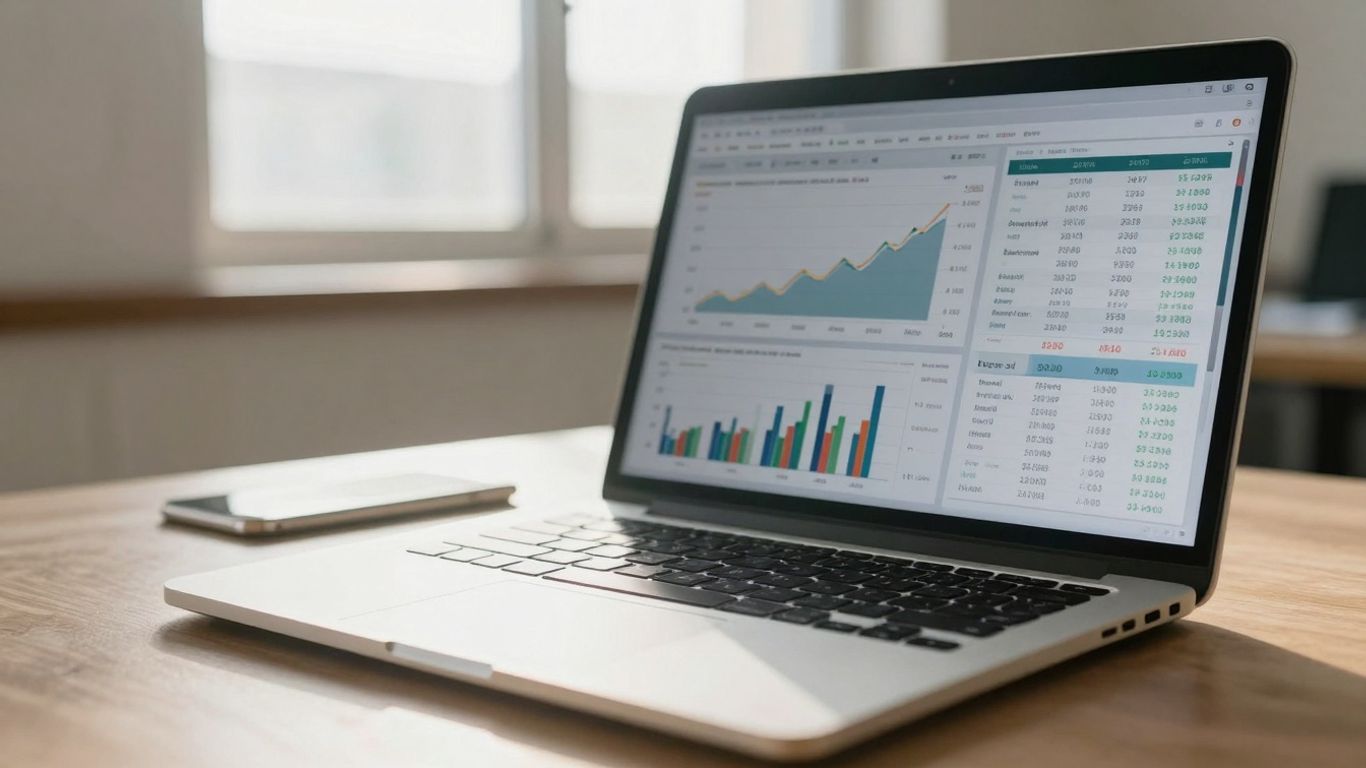
Yahoo Finance doesn’t just show you stock prices; it gives you the tools to look closer. You can pull up technical charts that show price movements over time, letting you spot trends. These charts come with indicators like moving averages and MACD, which can help you see patterns that might signal a good time to buy or sell. On the flip side, there’s also fundamental data. This includes things like a company’s earnings reports, revenue, and debt levels. Looking at this information helps you understand the actual health of a business, not just its stock price.
- Technical Indicators: Moving Averages, MACD, RSI
- Fundamental Data: Earnings Per Share (EPS), Revenue Growth, Debt-to-Equity Ratio
- Chart Timeframes: Daily, Weekly, Monthly, Yearly
Understanding both technical and fundamental data can give you a more complete picture of an investment. It’s like looking at a car’s performance stats versus its engine specs – both are important.
Implementing the Alert System for Market Changes
Markets move fast, and you can’t watch everything all the time. That’s where the alert system comes in handy. You can set up notifications for specific stocks. For example, you could get an alert if a stock price hits a certain level, or if its trading volume suddenly spikes. You can also get alerts for relevant news that might affect your investments. This way, you stay informed without having to constantly check your portfolio. It’s a good way to react quickly to important market shifts. Setting up alerts is pretty straightforward, usually involving a few clicks within the platform. You can often customize what triggers an alert, making it work for your specific investment strategy. This proactive approach can be a real game-changer, especially when dealing with volatile assets. For instance, if you’re tracking a company that’s about to announce earnings, an alert can let you know the moment the report is public. This is especially useful when you’re away from your computer, as alerts can be sent to your phone. It helps you stay on top of things, even when life gets busy. For more advanced users, tools like PortfolioVisualizer offer deeper simulation capabilities to test strategies based on historical data.
Exploring Integrated News and Expert Analysis
Beyond just numbers, Yahoo Finance pulls in news from various sources right into your portfolio view. This means you can see headlines that might be affecting the stocks you own or are watching. It’s not just random news; it’s often filtered to be relevant to your investments. You’ll also find articles and commentary from analysts and financial writers. While you should always take expert opinions with a grain of salt, they can sometimes offer different perspectives or highlight things you might have missed. This combination of real-time data, charts, and news helps paint a fuller picture of what’s happening in the financial world. It’s about connecting the dots between company performance, market sentiment, and global events. This integrated approach helps you make more informed decisions by providing context around price movements and company news. It’s like having a financial newspaper delivered right to your dashboard, but with the added benefit of seeing how it relates directly to your holdings.
Maximizing Your Yahoo Finance Experience
Once you’ve got the basics down, Yahoo Finance offers ways to really get the most out of tracking your investments. It’s not just about seeing numbers; it’s about understanding what they mean for your money.
Multi-Portfolio Management Strategies
Many investors don’t just have one pot of money. You might have a retirement account, a savings fund for a down payment, and maybe some speculative stocks. Yahoo Finance lets you create and manage multiple portfolios, which is super handy. You can name them something like "Retirement" or "Short-Term Goals" to keep things organized. This way, you can see how each part of your financial life is doing without getting everything mixed up. It helps you focus on the specific goals tied to each investment pool.
- Create distinct portfolios for different financial objectives.
- Assign specific watchlists to each portfolio to monitor relevant assets.
- Set unique alerts for each portfolio based on its specific needs.
Understanding Portfolio X-Ray Insights
This is where Yahoo Finance really shines for the detail-oriented investor. The Portfolio X-Ray tool is like a diagnostic for your investments. It breaks down your holdings into different categories, showing you things like:
- Asset Allocation: How much is in stocks, bonds, cash, etc.
- Sector Weighting: Which industries make up the biggest chunk of your portfolio (e.g., technology, healthcare).
- Geographic Exposure: Where your investments are located globally.
Knowing this information helps you see if you’re too concentrated in one area, which can be risky. For example, if 70% of your portfolio is in tech stocks, a downturn in that sector could hit you hard. This tool helps you spot those potential issues. It’s a good way to check if your portfolio actually matches the risk level you’re comfortable with. You can also see how your holdings might overlap, meaning you might own similar types of assets across different funds without realizing it.
Understanding your portfolio’s composition is key to managing risk effectively. Without this insight, you might be exposed to more volatility than you intended.
Performance Tracking Against Benchmarks
Just knowing how much your investments have grown isn’t always enough. How does that growth compare to the broader market? Yahoo Finance allows you to track your portfolio’s performance against common benchmarks, like the S&P 500. This comparison gives you context. Did your portfolio beat the market, or did it lag behind? This helps you evaluate the effectiveness of your investment choices and strategy. You can view performance over different timeframes, from daily changes to yearly returns, giving you a clear picture of your progress over time. This feature is great for seeing if your investment approach is working as intended, especially when you’re looking at long-term growth. It’s also a good way to see how well your chosen investments are doing compared to simply investing in a broad market index, like those offered by indie Semiconductor.
By using these features, you can move beyond basic tracking and gain a more sophisticated view of your financial landscape.
Comparing Yahoo Finance to Other Platforms
Yahoo Finance for Beginners
When you’re just starting out with tracking your investments, the sheer number of options can feel a bit overwhelming. Yahoo Finance really shines here. It’s free, which is a big plus when you’re not sure how much you’ll use a tool. The interface is pretty straightforward, making it easy to add stocks, see current prices, and get a general sense of how your portfolio is doing. You get real-time quotes, which are updated frequently during market hours, and it integrates news directly, so you can see what’s happening with the companies you’re invested in without jumping between different sites. It covers a wide range of assets too, from stocks and ETFs to crypto. For someone learning the ropes, this accessibility and ease of use are major advantages.
Limitations and When to Consider Alternatives
While Yahoo Finance is great for getting started, it does have its limits. One of the biggest is that you can’t directly link your brokerage accounts. This means you have to manually enter and update your holdings, which can be a hassle if you have many investments or trade frequently. Also, if you’re looking for really deep analytical tools, like advanced charting with custom indicators or complex scenario modeling, Yahoo Finance might feel a bit basic. Platforms like Morningstar Portfolio Manager or PortfolioVisualizer offer more sophisticated analysis, but they often come with a subscription fee and a steeper learning curve. If you find yourself spending a lot of time manually updating your portfolio or wishing for more detailed performance breakdowns, it might be time to look at other options.
Key Features to Consider in Portfolio Tools
When you’re evaluating different portfolio tracking tools, think about what matters most to your investing style. Here are a few things to keep in mind:
- Data Integration: Can the tool connect directly to your brokerage accounts? This saves a lot of time and reduces errors compared to manual entry.
- Analysis Depth: Do you need basic performance tracking, or are you looking for advanced charting, backtesting capabilities, or risk assessment tools?
- Cost: Many platforms offer free basic versions, but advanced features usually require a subscription. Consider your budget and how much you’re willing to pay for extra functionality.
- User Interface: Is the platform easy to navigate and understand? A clean, intuitive design can make a big difference in your day-to-day experience.
- Asset Coverage: Does it track all the types of investments you hold, including stocks, bonds, ETFs, mutual funds, and perhaps even alternative assets like crypto or real estate?
Choosing the right tool often comes down to balancing features, cost, and how much time you’re willing to invest in learning and managing your portfolio data. What works perfectly for a beginner might not be enough for an experienced investor managing complex strategies.
Putting It All Together
So, we’ve walked through how to use Yahoo Finance to keep tabs on your investments. It’s a solid tool, especially if you’re just starting out or want a straightforward way to see how your stocks and funds are doing. Remember, the market changes, and so might your investment goals. Regularly checking in with your portfolio, whether it’s daily or weekly, helps you stay aware and make smart adjustments. While Yahoo Finance offers a great starting point with its real-time data and news, don’t be afraid to explore other tools as your investing journey grows. The key is to find what works best for you and stick with it. Happy investing!
Frequently Asked Questions
What is the main purpose of the Yahoo Finance Portfolio tool?
The Yahoo Finance Portfolio tool is designed to help you keep track of your investments. You can see how your stocks, ETFs, and other assets are doing all in one place, making it easier to watch your money grow.
Can I use Yahoo Finance to buy or sell stocks directly?
No, Yahoo Finance is primarily a tracking and information tool. It doesn’t let you buy or sell stocks directly from your portfolio. You’ll need to use a separate brokerage account for actual trading.
Is Yahoo Finance a good starting point for new investors?
Absolutely! Yahoo Finance is great for beginners because it’s free and easy to use. It offers real-time market data, news, and basic tools to help you understand how your investments are performing without being too complicated.
How often is the data updated on Yahoo Finance?
During market hours, the prices on Yahoo Finance are usually updated every 15 seconds. This means you get pretty current information to help you make decisions.
Can I track more than one investment account with Yahoo Finance?
Yes, you can create multiple watchlists and portfolios. This is helpful if you have different investment strategies or accounts you want to monitor separately.
What are some limitations of using Yahoo Finance for managing investments?
While Yahoo Finance is useful, it doesn’t connect directly to your brokerage accounts for trading, and you have to update your holdings manually. Also, it might not have the super-advanced analysis tools that some expert investors might look for in paid platforms.

Peyman Khosravani is a global blockchain and digital transformation expert with a passion for marketing, futuristic ideas, analytics insights, startup businesses, and effective communications. He has extensive experience in blockchain and DeFi projects and is committed to using technology to bring justice and fairness to society and promote freedom. Peyman has worked with international organizations to improve digital transformation strategies and data-gathering strategies that help identify customer touchpoints and sources of data that tell the story of what is happening. With his expertise in blockchain, digital transformation, marketing, analytics insights, startup businesses, and effective communications, Peyman is dedicated to helping businesses succeed in the digital age. He believes that technology can be used as a tool for positive change in the world.